
Work From Home Essentials Canada: 6 Affordable Gear Picks
Looking for affordable work from home essentials in Canada? Explore six practical gear picks for video calls, content creation, and everyday desk work, with links to shop on Amazon.ca. Start with what you need and build your setup at your own pace.
Disclosure: As an Amazon Associate I earn from qualifying purchases.
Images on this page are representative setup photos. Use the Amazon.ca button to view the exact product listing.
New to creating content? You don’t need to buy everything at once. Start with the microphone and headphones, since good audio matters most, and add the rest as your channel or business grows.
FIFINE AM8 USB/XLR Dynamic Microphone

A practical microphone for voiceovers, podcasts, streaming, and YouTube videos. Connect through USB to get started, with XLR available for a future audio setup.
Best for: beginners recording voiceovers, podcasts, or YouTube narration in a normal room.
A dynamic mic picks up less background noise than a cheap condenser, so it works well in an untreated room. Plug it in by USB to start, and use the XLR connection later if you upgrade your audio setup.
Downside: the sound is less detailed than a studio condenser.
Audio-Technica ATH-M20X Headphones
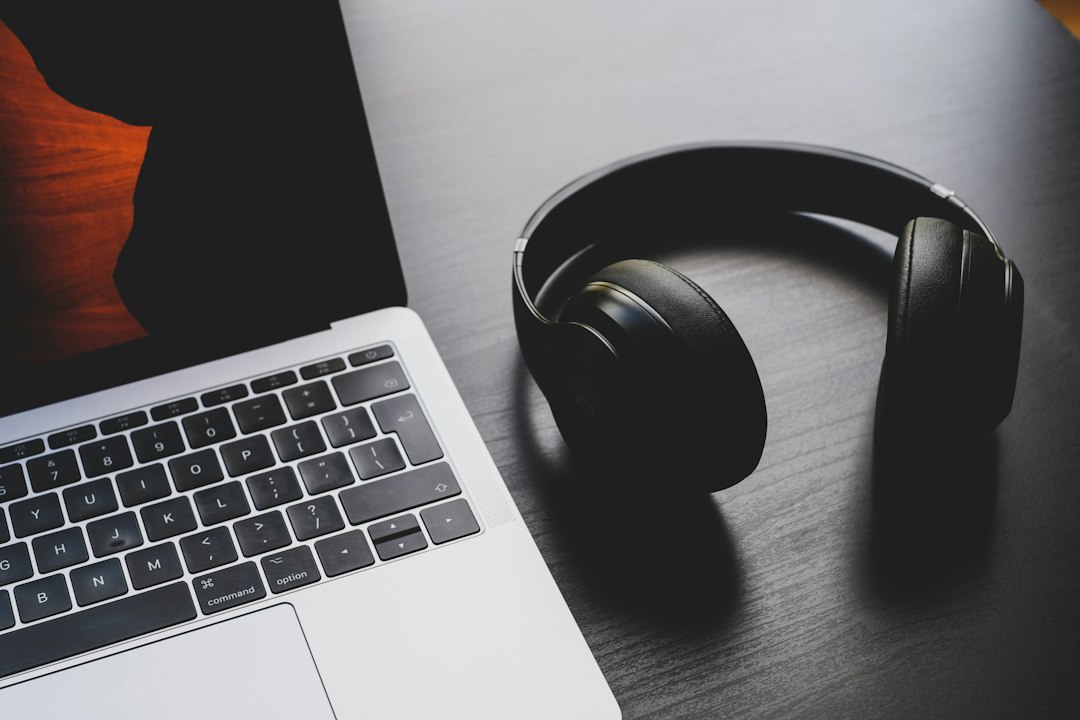
Use headphones to listen closely to your voiceovers and video edits, helping you spot background noise and check your audio before publishing.
Best for: checking your voiceovers and edits before you publish.
Studio-style wired headphones that help you catch background noise, clicks, and uneven volume that laptop speakers hide.
Downside: wired only, with no built-in microphone.
Anker PowerConf C200 2K Webcam
A webcam for video calls, online meetings, and talking-head recordings. Includes adjustable field of view, low-light correction, noise-reducing microphones, and a built-in privacy cover.
Best for: video calls, online meetings, and screen-recording videos where your face is in a corner.
Adjustable field of view, low-light correction, noise-reducing mics, and a built-in privacy cover.
Downside: for talking-head videos, a phone on a tripod will usually look better, so treat this as the calls and screen-recording pick.
Anifrim Adjustable Laptop Stand
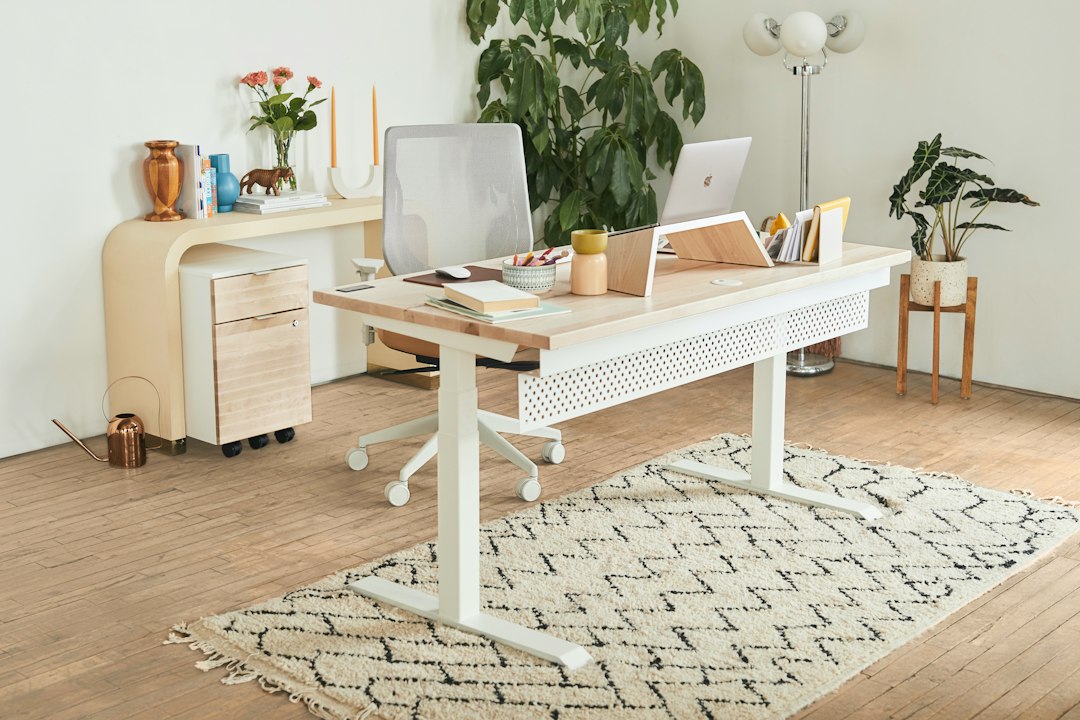
Position your laptop for your workspace with adjustable height, tilt, and 360° rotation. Fits 10–17-inch laptops, with a listed weight capacity of up to 22 lb.
Best for: anyone working long hours at a laptop.
Raising your screen gives you a more comfortable viewing angle, and the adjustable height, tilt and 360° rotation let you set it up for your desk. It fits 10 to 17-inch laptops.
Downside: check the listing’s weight limit and reviews to be sure it suits a heavier laptop.
LitONES Desktop Video Conference Light
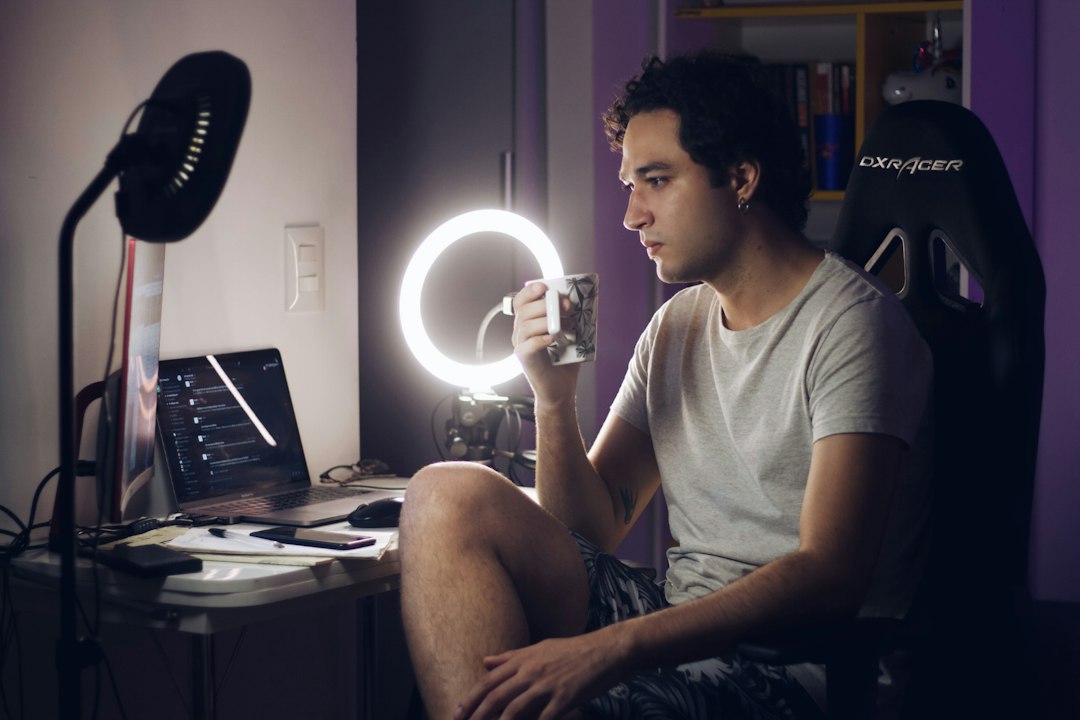
Add soft lighting for video calls and recordings. Adjustable brightness and colour temperature help you suit the lighting to your room, while the flexible stand and phone holder offer setup options.
Best for: improving how you look on calls, Zoom meetings, and recordings when your room is dim.
Soft light with adjustable brightness and colour temperature, plus a flexible stand and a phone holder.
Downside: a small desktop light only lights your face at close range, so it won’t brighten a whole room.
Vimose 66″ Phone Tripod with Remote
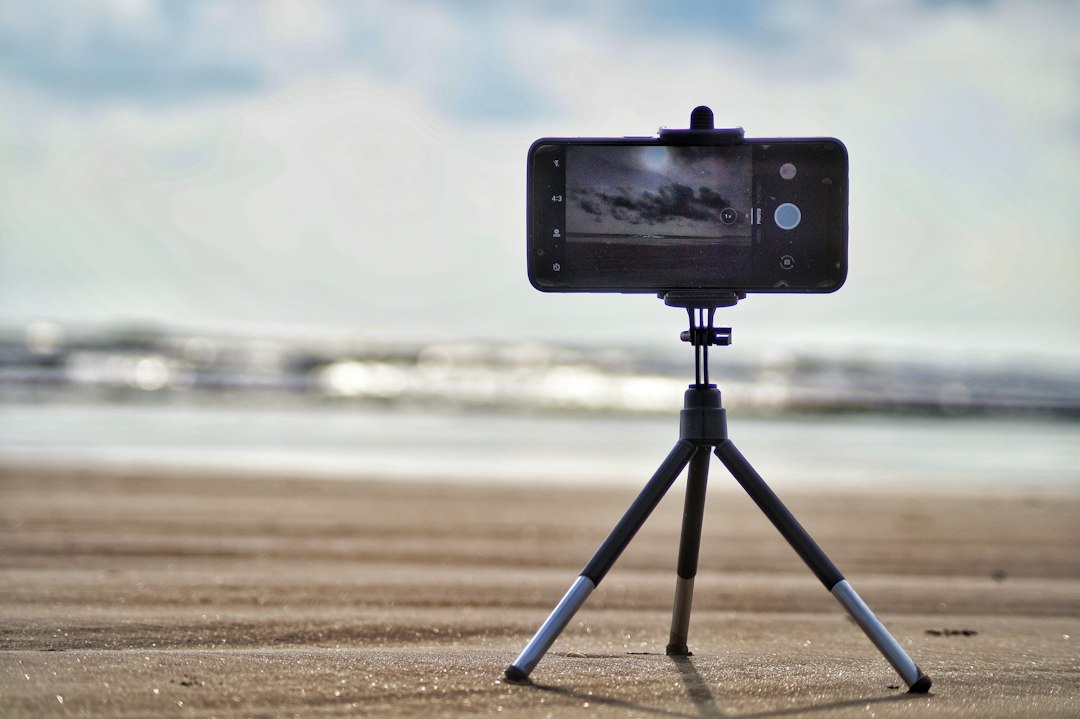
Keep your phone steady for videos, tutorials, and photos. Adjustable height gives you framing options, and the included remote lets you trigger shots from a distance.
Best for: filming videos, tutorials, and photos with your iPhone (or another phone) hands-free.
Adjustable height gives you framing options, and the included remote lets you start and stop recording from a distance.
Downside: at full height a lightweight tripod can wobble, so keep it lower or add weight for steadier shots.
Gear helps, but it’s only half of the setup. If you’re starting an online business with AI tools, grab the free AI Lab Builder Starter Kit to get practical prompts and ideas you can use right away. Join below and start building today.